
Regardless of whether it’s a big organization or a small-scale business, maintaining proper records of the hours put in by employees is critical. Time management not only helps in payroll management but also aids in determining productivity. It is here that the concept of the employee time clock calculator becomes helpful. Here, in this article, we cover all aspects of the employee time calculator. We discuss how the calculator functions, the pros, the important features, and how to select the best time calculator for your requirements.
What Is an Employee Time Clock Calculator?
An employee time calculator refers to a computing device that helps in calculating the total time an employee has worked during a shift, in a day, or over a pay period. Inputs like clock-in and clock-out times are entered, and the total time worked is calculated. Manual computation may take a long time and even give inaccurate results. With this device, you do not need to perform manual computations.
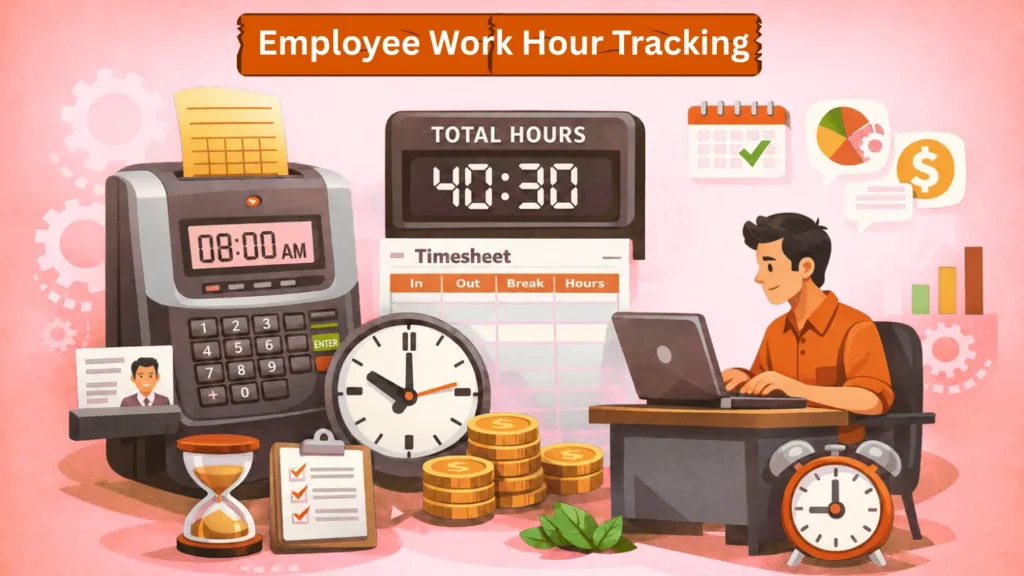
Importance of Employee Time Calculator
Time tracking plays an essential role when it comes to the management of the workforce, and using an employee time clock calculator is crucial for this purpose. The tool enables one to get accurate results in terms of the payment and prevents the mistakes that might occur, thus ensuring that the employees are paid fairly. Moreover, this tool saves much time; unlike manual calculations that may take much time, especially for companies having a large number of employees, the calculator provides immediate results.
The tool also eliminates any form of human errors in this regard, such that small errors in the entry of time data do not accumulate to become larger errors in calculations. Second, it tracks employee productivity by measuring how long each person takes to finish tasks. Lastly, it makes recordkeeping easier since most of the tools have an option to store data.
How Does It Work
The working principle of the calculator for employee clocks relies on processing information related to time in a convenient way. Initially, you input the starting time at which the employee starts working, followed by entering the finishing time when the employee stops work. The majority of calculators have an additional possibility of considering break times, where you can enter the amount of time that should be deducted from the total work time.
As soon as all the data is entered into the calculator, it will calculate the total time worked in hours and minutes or in the decimal system. In some cases, there is an additional possibility of multiplying the number of hours by the hourly wage rate, which helps determine the salary of the employee.
Key Features
Not all calculators are the same, but the best ones for calculating employee hours are efficient and accurate. The first and foremost feature of such calculators is that they automatically calculate time, which calculates the total working hours without any input from the user. Most of these calculators can deduct breaks from the total working hours.
In the case of firms that have flexible work schedules, the option to run several shifts becomes crucial because it will facilitate the logging of more than one shift either on a daily or weekly basis. Another important factor is the software’s user-friendliness, which makes it easy for anyone to use, regardless of their computer knowledge. The export capability feature makes the program more effective since it facilitates the export of data in various file formats, like CSV and Excel.
Benefits of Use
The employee time calculator offers numerous benefits, extending beyond mere time tracking. The tool significantly increases the efficiency of the calculations, as everything will be done automatically, saving a significant amount of time that can be spent on other operations within the company. Moreover, the use of this tool helps a company stay within the scope of labor law during the calculations of working time and overtime payments. Transparency is also increased, as all the employees can observe how the calculations are done. In this way, the company can save extra money that could be lost due to the incorrect calculations of payroll.
Common Mistakes to Avoid
However, despite using a time clock calculator, mistakes might still happen due to improper data entry. An incorrect time format is one of the mistakes people make when using a time clock calculator. This error occurs when someone uses the AM/PM format together with the 24-hour system. People also tend to forget about including break periods, which is another mistake they should avoid.
Failure to consider break periods leads to underpaying employees since their work hours are not deducted. In addition, people must recheck all data entries before doing any calculations to ensure accuracy. Moreover, neglecting overtime regulations is yet another mistake to avoid when using a time clock calculator. Such errors happen since overtime regulations differ depending on the location where an organization operates.
Future of Employee Time Tracking
With further advancement in technology, each new technology is more complex in terms of calculating the time spent by an employee. Recently, many automated technologies have emerged, reducing the need for manual labor. Through cloud computing services, any organization is capable of accessing its data from any part of the world. The combination of time calculation with payroll makes it easier for organizations to make calculations regarding the earnings of the employees. Time tracking software also comes with machine learning algorithms that assist organizations in learning about their employees.
Conclusion
Time Calculator for Staffing is an excellent gadget that can be helpful for those who want to monitor the work time of their employees and prepare the payroll. It helps to simplify complex calculations, prevent errors, and improve the efficiency of the process. Regardless of whether you have a small business or a large workforce, having the right gadget will enable you to save time and money while ensuring accuracy in the calculations. The right gadget will help you focus on other business growth activities.
FAQ’s
Q1. Should I have technical skills to operate it?
Most applications are easy enough for any user.
Q2. Does it require an internet connection?
Yes, online applications will require the internet, but some can be run without it using a spreadsheet or application.
Q3. Can it differentiate between paid and unpaid breaks?
Some applications can make this differentiation, which can help in payroll calculations.
Q4. Does it have the ability to integrate with payroll software?
Some applications are integrated with payroll software, which makes salary calculation easier and faster.
Q5. Should I download any software for its operation?
It is not necessary because many applications run without installing any software.